WhatsApp interactive messages: buttons, lists and CTA URLs
A quick reply button does more than lower friction: it produces a customer message and opens the 24-hour window. How to build buttons, lists and CTA URLs, and what arrives in the webhook when somebody taps.

Written by
Equipe Joinotify
Published on
Read time
9 min read
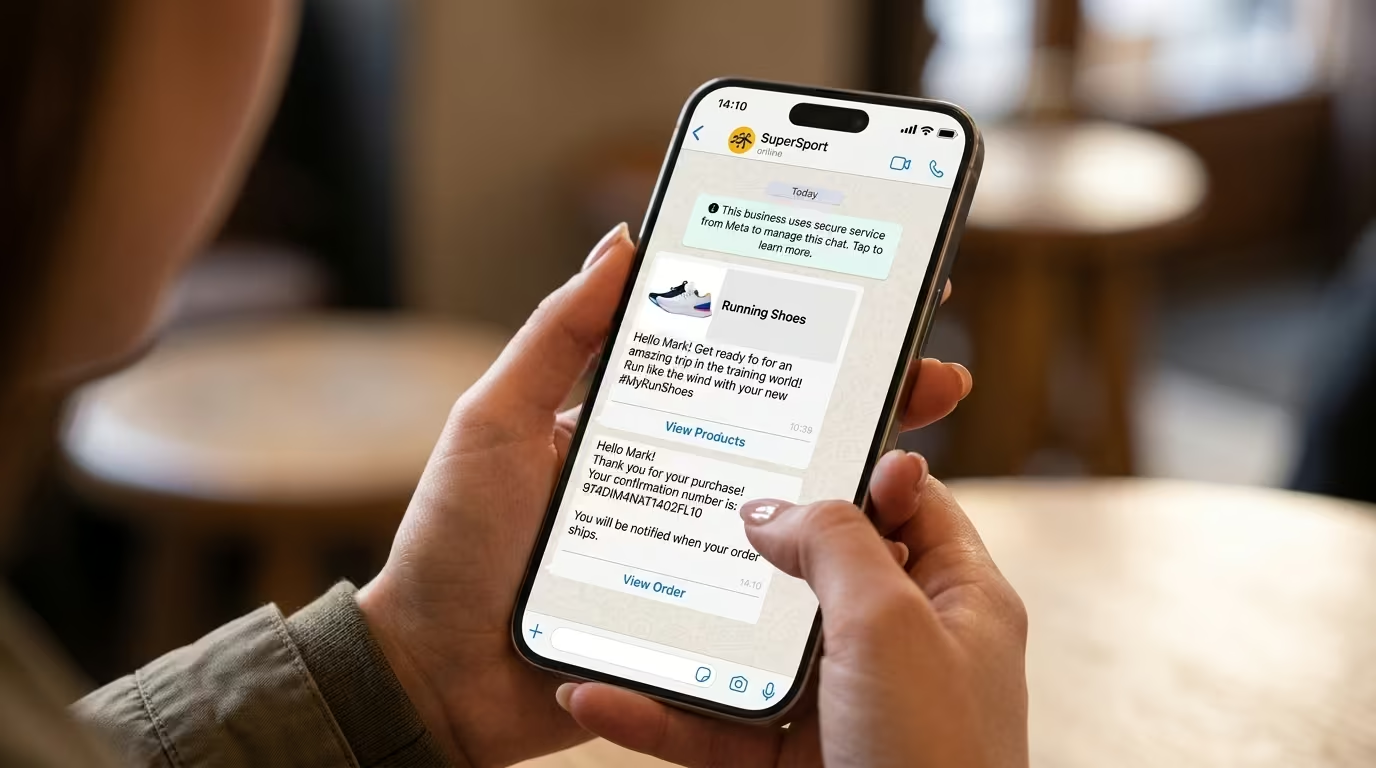
Interactive messages are the ones offering options rather than text: quick reply buttons, option lists and URL buttons. Through the official WhatsApp API they are sent inside the 24-hour window; outside it, the same buttons exist but inside an approved template. The customer’s reply comes back through the webhook carrying the identifier of the option they chose.
Why a button is worth more than it looks
A quick reply button produces a message from the customer. A customer message restarts the 24-hour window — where text is free-form and not billed.
A URL button does not: it takes the person out of WhatsApp and produces no message. When a flow needs continuity, the quick reply button is what buys it cheaply.
Two buttons on a delivery confirmation cost the same template and hand back an open 24-hour window. That is the difference between notifying and conversing.
Quick reply buttons
Up to three, with short titles:
curl -X POST https://api.joinotify.com/messages \
  -H 'Authorization: Bearer sk_live_xxx' \
  -H 'Content-Type: application/json' \
  -d '{
    "type": "interactive",
    "to": "5541987111527",
    "interactive": {
      "type": "button",
      "body": { "text": "Can we deliver tomorrow between 9am and midday?" },
      "action": { "buttons": [
        { "type": "reply", "reply": { "id": "confirm", "title": "Yes, please" } },
        { "type": "reply", "reply": { "id": "reschedule", "title": "Reschedule" } }
      ]}
    }
  }'
The id is yours and it is what comes back in the webhook. Use a stable, semantic identifier — never the button text, which changes when somebody improves the wording and silently breaks your routing.
Option lists
When there are more than three alternatives, a list replaces buttons: it opens a menu with sections and a description per item. It works well for choosing a time slot, a branch or a contact reason.
The practical rule is the same as for buttons: a stable identifier per item, a short title, and a description that heads off the next question.
URL buttons
These take the customer to a page — tracking, payment, cart. Inside a template, a URL button accepts a variable at the end of the link, which allows one link per recipient without one template per order.
It opens no window. If you need the conversation to continue, pair it with a quick reply button.
What arrives in the webhook
When the customer taps a button, an interactive message arrives carrying the chosen option:
{
  "type": "interactive",
  "interactive": {
    "type": "button_reply",
    "button_reply": { "id": "confirm", "title": "Yes, please" }
  }
}
Route on the id, never the title. And handle the case where the customer replies with free-form text instead of tapping — which happens a lot.
Interactive messages in templates, outside the window
Outside the 24 hours, an interactive message must live inside an approved template. The buttons are defined when the template is created, not at send time — which means you cannot vary the options per message.
A design consequence: the options have to be generic enough to serve every send of that template.
Good practice
- Short titles — long button text is truncated on the device.
- Mutually exclusive options — two buttons meaning almost the same thing produce random choices.
- Always an exit — "talk to a person" stops people getting stuck in the menu.
- Idempotency — customers may tap twice; handle the second tap without duplicating the effect.
- Do not use a button for consent — opt-in needs an auditable record, not an ambiguous tap.
How to receive and validate these events is in WhatsApp webhooks.
Frequently asked questions
How many buttons can I have?
Up to three quick reply buttons per message. Beyond that, use a list.
Do buttons work outside the 24-hour window?
They do, inside an approved template — with the options defined at template creation rather than at send time.
Is a button tap billed?
The customer’s reply is not billed, and it opens the 24-hour window. What is billed is the template you sent.
Can I tell who did not reply?
You can, through the absence of a reply event associated with the send’s wamid. Build a waiting period into your flow before treating it as no answer.